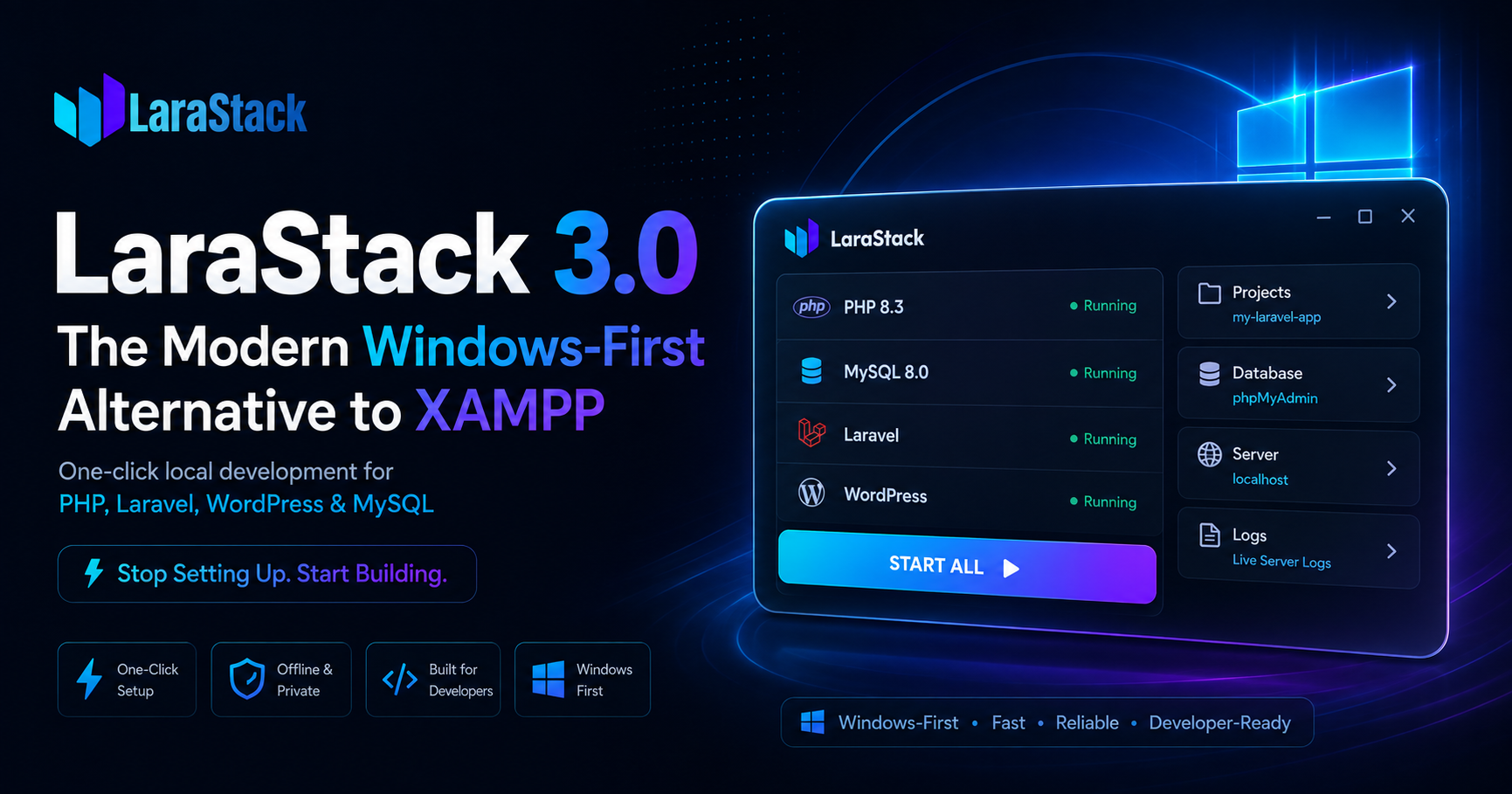
LaraStack 3.0: The Modern Windows-First Alternative to XAMPP
LaraStack 3.0: Stop Setting Up. Start Building.
Local development should be simple.
Install your development environment, create your project, start your services, and begin building.
But for many PHP developers, setting up a local environment can involve installing PHP, configuring MySQL, setting up Composer, creating databases, editing .env files, resolving port conflicts, configuring php.ini, and manually installing WordPress.
LaraStack 3.0 is designed to reduce that complexity.
LaraStack is a free, Windows-first local development workspace for PHP, MySQL, Laravel, and WordPress that brings runtime management, project automation, database tools, configuration, services, and developer utilities together in one focused desktop application.
What Is LaraStack?
LaraStack is a Windows desktop development environment built for developers working with PHP, Laravel, and WordPress.
Instead of only providing PHP and a database server, LaraStack focuses on the complete local development workflow.
It includes:
- PHP
- MySQL
- phpMyAdmin
- Composer integration
- Laravel project management
- WordPress project management
- php.ini editor
- Dynamic port management
- Local development servers
- Process management
- Database management
- Project metadata
- Logs and developer tools
The goal is simple: spend less time configuring your environment and more time building applications.
One-Click Laravel Project Creation
LaraStack 3.0 introduces dedicated Laravel project management.
Creating a Laravel project manually can require multiple commands and configuration steps. LaraStack automates much of this workflow.
It can:
- Detect PHP and MySQL runtimes.
- Detect Composer installations.
- Download Composer when required.
- Create Laravel projects automatically.
- Generate Laravel application keys.
- Create dedicated MySQL databases.
- Configure Laravel
.envfiles. - Detect available development ports.
- Run Laravel migrations.
- Store project information.
- Start and stop individual Laravel servers.
- Open projects in the browser.
- Open project directories.
- Open Command Prompt inside project directories.
- Delete managed Laravel projects.
Instead of going through multiple setup steps, developers can create and start a Laravel project from one dedicated workspace.
MySQL by Default for Laravel
Laravel projects created through LaraStack use MySQL by default instead of SQLite.
LaraStack automatically detects its active MySQL configuration and synchronizes the Laravel project's database settings.
DB_CONNECTION=mysql
DB_HOST=127.0.0.1
DB_PORT=3308
DB_DATABASE=laravel_project_name
DB_USERNAME=root
DB_PASSWORD=
The MySQL port is dynamically obtained from LaraStack rather than relying on a hard-coded value.
Each managed Laravel project also receives its own database, helping prevent conflicts between projects.
Automatic .env Configuration
LaraStack automatically manages important Laravel environment values.
The project's APP_URL can be synchronized with its assigned development port:
APP_URL=http://localhost:8000Database configuration can also be refreshed when the project starts, keeping Laravel synchronized with the active LaraStack runtime.
Composer Detection and Management
Composer is essential for modern Laravel and PHP development.
LaraStack 3.0 checks whether Composer is already available before installing another copy.
It can detect:
composer.pharcomposer.execomposer.batcomposer.cmdcomposer.com- Composer available through Windows
PATH
If Composer already exists, LaraStack can reuse it.
If Composer is unavailable, LaraStack can download and configure a managed Composer installation.
Dynamic Port Management
Port conflicts are a common problem when developers have multiple local development tools installed.
You may already have XAMPP, WAMP, Docker, MySQL Server, or another Laravel project using a required port.
LaraStack 3.0 improves port awareness across:
- PHP
- MySQL
- phpMyAdmin
- Laravel development servers
- WordPress services
Laravel projects can use available development ports, and the assigned port can be synchronized with the project's APP_URL.
This helps reduce common port-conflict problems when running multiple local development environments.
Dedicated WordPress Workspace
WordPress development also receives a dedicated workspace in LaraStack 3.0.
The WordPress workspace can handle:
- WordPress installation
- Site startup and shutdown
- Local status detection
- Database management
- WordPress Admin access
- Website launching
- Credential handling
- WordPress reinstall
- Project deletion
This separates WordPress application management from the underlying PHP and MySQL runtime.
Improved php.ini Editor
LaraStack 3.0 includes an improved php.ini configuration editor.
The editor supports multi-match searching, allowing developers to navigate through every matching occurrence instead of stopping at the first result.
Features include:
- Current match index
- Total match count
- Previous match
- Next match
- Persistent highlighting
- Keyboard navigation
- Direct configuration saving
Keyboard shortcuts include:
Ctrl + F— SearchEnter— Next matchShift + Enter— Previous matchF3— Next matchShift + F3— Previous matchEsc— Clear searchCtrl + S— Save configuration
Configuration synchronization is also debounced to reduce unnecessary parsing and UI-thread activity during editing.
Built for Performance
LaraStack 3.0 includes a major performance optimization pass.
Improvements include:
- Reduced UI-thread blocking
- Background execution for slower operations
- Reduced unnecessary polling
- Reduced repeated page creation
- Reused navigation pages
- Reduced refresh activity for hidden pages
- Improved MySQL status checks
- Reduced unnecessary layout calculations
- Reduced rendering overhead
- Improved hardware-accelerated WPF rendering
- Lightweight scrolling
- Improved mouse-wheel and touchpad scrolling
- Reduced animation overhead
These improvements are focused on making the desktop development experience more responsive during navigation, configuration editing, file operations, and service management.
Independent Laravel Processes
Each Laravel project can run as its own development process.
LaraStack tracks managed Laravel processes so developers can:
- Detect running projects
- Start individual projects
- Stop individual projects
- Prevent duplicate starts
- Release project ports
- Stop managed Laravel processes when LaraStack exits
This keeps individual Laravel applications isolated from the main LaraStack runtime.
Managed Laravel Project Metadata
LaraStack stores information about managed Laravel projects so they can remain available after application restarts.
Project metadata can include:
- Project name
- Project directory
- Laravel version
- Development port
- MySQL database name
- Runtime state
This makes it easier to manage multiple Laravel applications from one workspace.
LaraStack 3.0 vs XAMPP
XAMPP has been a popular local PHP development environment for many years.
It provides a familiar collection of tools such as Apache, PHP, MariaDB, and phpMyAdmin.
LaraStack takes a different approach by focusing more heavily on project management and development automation.
| Feature | LaraStack 3.0 | XAMPP |
|---|---|---|
| Windows support | Windows-first | Windows supported |
| PHP | Yes | Yes |
| Database | MySQL | MariaDB |
| phpMyAdmin | Yes | Yes |
| Laravel one-click creation | Yes | Manual |
| Laravel project management | Built-in | Manual |
| WordPress one-click setup | Yes | Manual workflow |
| Composer detection | Built-in | Usually configured separately |
Automatic .env configuration | Yes | Manual |
| Automatic Laravel database creation | Yes | Manual |
| Automatic Laravel migrations | Yes | Manual |
| Laravel server management | Built-in | Manual |
| Dynamic Laravel ports | Yes | Manual |
| Project-specific databases | Automatic | Manual |
| Laravel process management | Built-in | Manual |
| php.ini editor | Built-in | Manual editing |
| Multiple Laravel projects | Built-in management | Manual |
| Project metadata | Yes | Not a dedicated feature |
| Project terminal access | Built-in | Manual |
| Runtime dashboard | Yes | Control panel |
| Laravel-focused workflow | Yes | General PHP stack |
XAMPP: A Proven Traditional Stack
XAMPP remains a practical solution for developers who need a traditional local PHP environment.
Its strengths include familiarity and a straightforward collection of core services:
- Apache
- PHP
- MariaDB
- phpMyAdmin
- Web root
- Control panel
For basic PHP applications and traditional WordPress development, this can be sufficient.
However, modern Laravel workflows often involve additional steps around Composer, project creation, database management, .env configuration, migrations, development servers, and ports.
LaraStack: A Project-Oriented Approach
LaraStack 3.0 focuses on the workflow around the runtime.
When creating a Laravel project, LaraStack can automate:
- PHP detection.
- Composer detection.
- Project creation.
- Application key generation.
- MySQL database creation.
.envconfiguration.- Port detection.
- Database migration.
- Development server startup.
- Project registration.
The difference is not simply about running PHP.
It is about how much of the development workflow the environment can manage for you.
WordPress Development: Manual vs One-Click
Both XAMPP and LaraStack can be used for local WordPress development.
With a traditional setup, developers may need to download WordPress, extract it, move files into the web root, create a database, and complete the installation manually.
LaraStack provides a dedicated WordPress workspace designed to simplify this workflow.
The objective is:
One-click setup → Automatic configuration → Start developing
Performance: What Does "Faster" Mean?
LaraStack's performance improvements primarily focus on the responsiveness of the desktop application and development workflow.
The release focuses on:
- Reduced UI blocking
- Background operations
- Reduced unnecessary polling
- Reduced page recreation
- Lower rendering overhead
- Improved WPF rendering
- Lightweight scrolling
- Reduced animation overhead
This is about making the development environment feel more responsive rather than claiming that every PHP application will automatically execute faster than the same application under XAMPP.
Who Is LaraStack For?
LaraStack is designed for:
- Laravel developers
- PHP developers
- WordPress developers
- Backend developers
- Freelancers
- Software houses
- Web development agencies
- Students learning Laravel
- Developers managing multiple local projects
- Developers looking for an alternative to traditional local stacks
Whether you're building your first Laravel application or managing multiple client projects, the objective is the same:
Spend less time configuring your environment and more time building your product.
Windows-First Development
LaraStack 3.0 is built specifically around the Windows desktop experience.
The application uses:
- Windows process APIs
- PHP
- MySQL
- Composer
- Laravel
- WordPress
Windows integrations include Windows Explorer access, Command Prompt integration, executable detection through Windows PATH, process management, and local runtime handling.
Privacy and Offline Development
LaraStack is designed around local development.
The desktop workflow does not require application telemetry for local development, allowing developers to work with their local projects without depending on an online development environment.
This makes LaraStack suitable for developers who prefer keeping their development workflow local and controlled.
What's New in LaraStack 3.0?
LaraStack 3.0 is a major technical upgrade focused on:
- Laravel automation
- WordPress management
- Composer detection
- MySQL integration
- Dynamic port management
- Project metadata
- Laravel process management
- php.ini improvements
- Runtime management
- Windows integration
- Performance optimization
- UI modernization
The interface has also been updated with:
- New sidebar navigation
- Dedicated Laravel workspace
- Dedicated WordPress workspace
- Improved service-status presentation
- Cleaner installer layout
- Updated buttons and controls
- Improved scrollbars
- Vector-based navigation icons
- LaraStack 3.0 branding
- New startup/loading screen
- Outfit typography
- Updated
#0000D1primary color scheme
The Bigger Idea Behind LaraStack
LaraStack 3.0 isn't simply another PHP installer.
The goal is to move local development from runtime management toward development environment management.
Installing PHP and MySQL is only the beginning.
A modern development environment also needs to manage:
- Projects
- Databases
- Ports
- Processes
- Configuration
- Dependencies
- Servers
- Files
- Logs
- Developer workflows
LaraStack 3.0 brings these pieces together into one Windows-first workspace.
The Bottom Line
XAMPP gives developers a traditional local PHP stack.
LaraStack 3.0 takes that concept further by adding project automation and development workflow management.
If you simply need Apache, PHP, MariaDB, and phpMyAdmin, XAMPP can still be a practical choice.
If you want one-click Laravel and WordPress setup, automated database configuration, Composer detection, dynamic ports, project management, individual Laravel processes, and an integrated Windows desktop workspace, LaraStack 3.0 provides a modern alternative.
XAMPP gives you the stack. LaraStack gives you the workspace.
Stop Setting Up. Start Building.
Download LaraStack and build your next PHP, Laravel, or WordPress project with a more focused local development workflow.
Free Forever • Windows-first • Offline & Private • Laravel & WordPress Ready