Developer notes.
Practical workflows.
Articles published through the existing LaraStack blog system, redesigned to match the LaraStack 3.0 frontend.
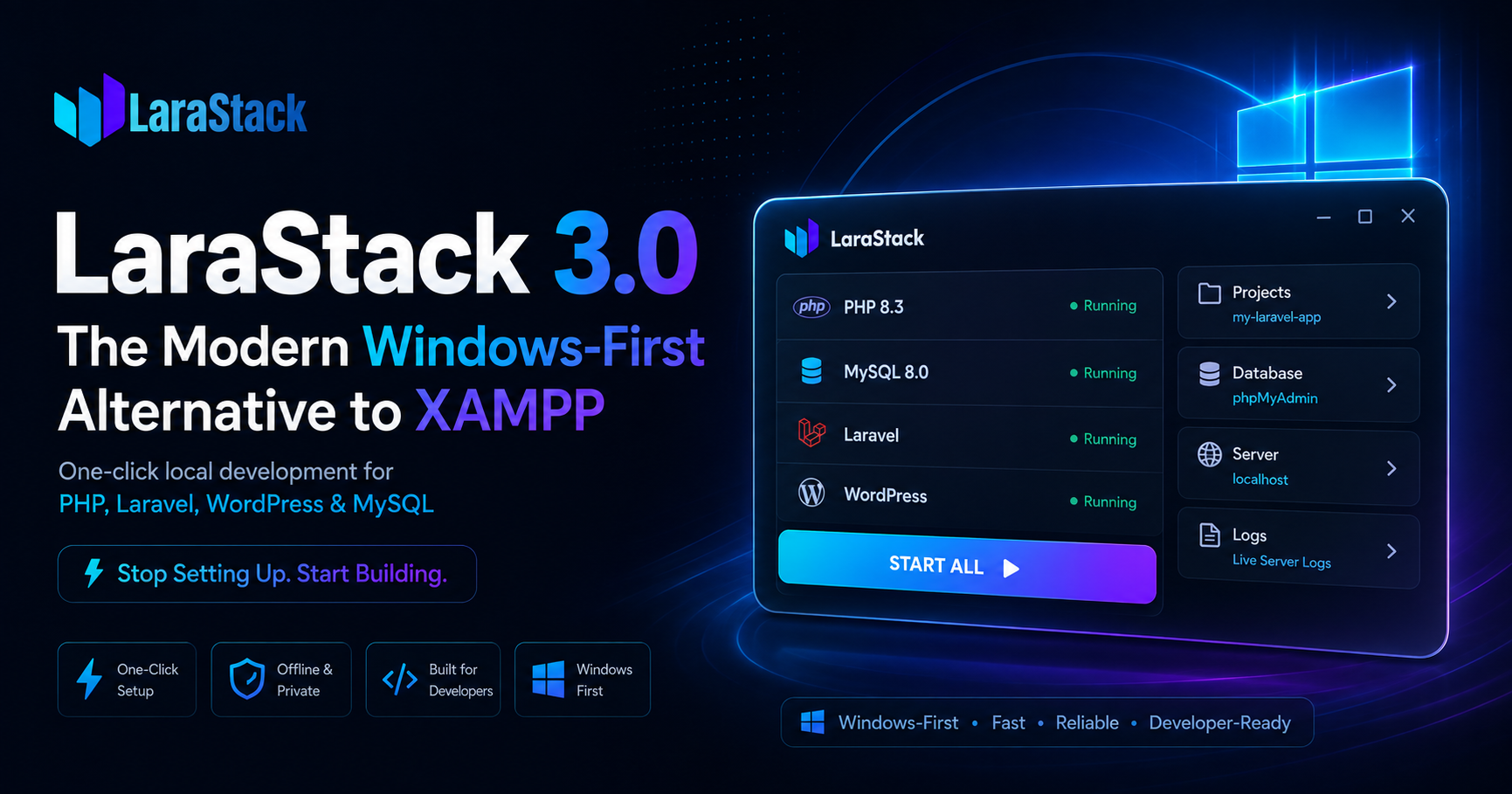
LaraStack 3.0: The Modern Windows-First Alternative to XAMPP
Discover LaraStack 3.0, a Windows-first local development workspace for PHP, Laravel, WordPress, and MySQL with one-click project creation, dynamic port management, automated configuration, and a developer-focused workflow.
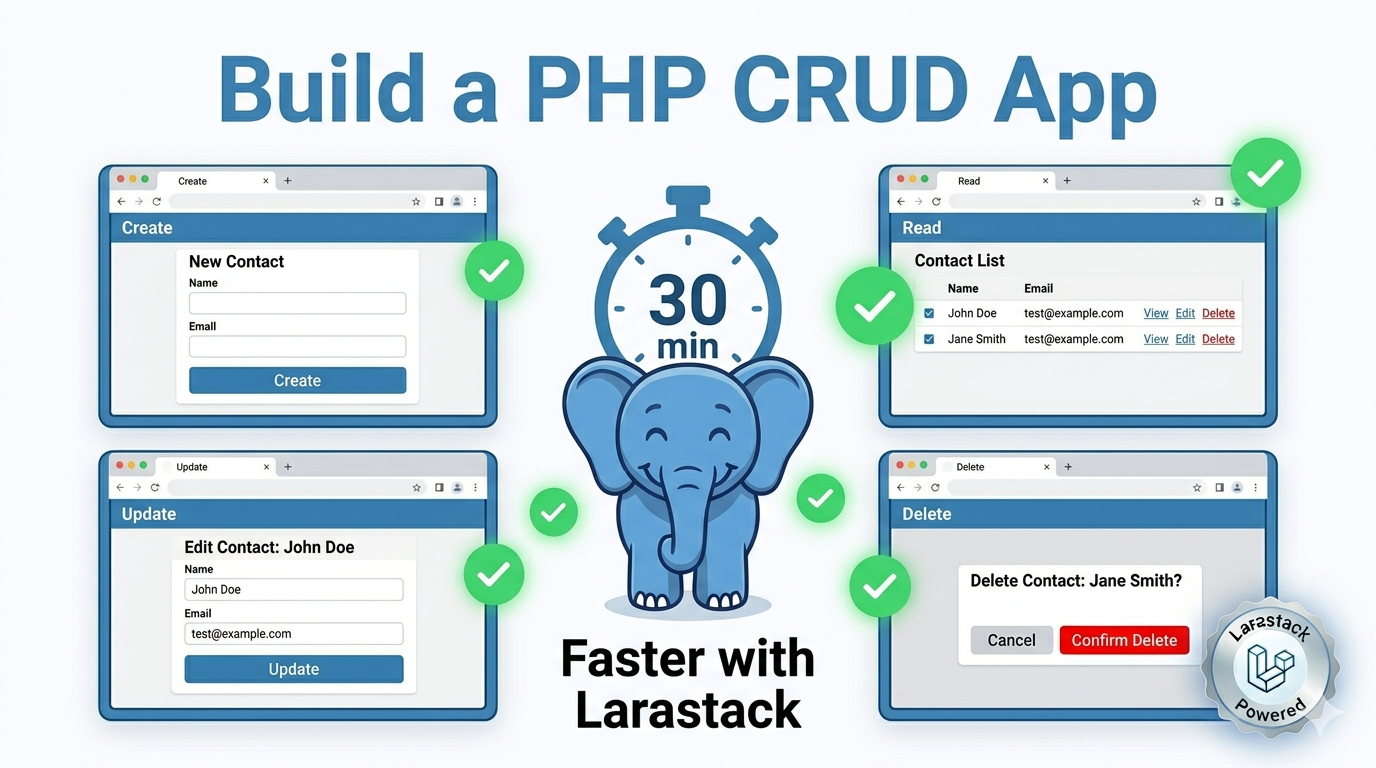
Build a Complete PHP CRUD App in 30 Minutes with Larastack (Beginner Tutorial)
New to PHP development? This beginner-friendly tutorial walks you through building a complete Create-Read-Update-Delete application from scratch using pure PHP 8.2, MySQL, and Larastack — in 30 minutes or less.
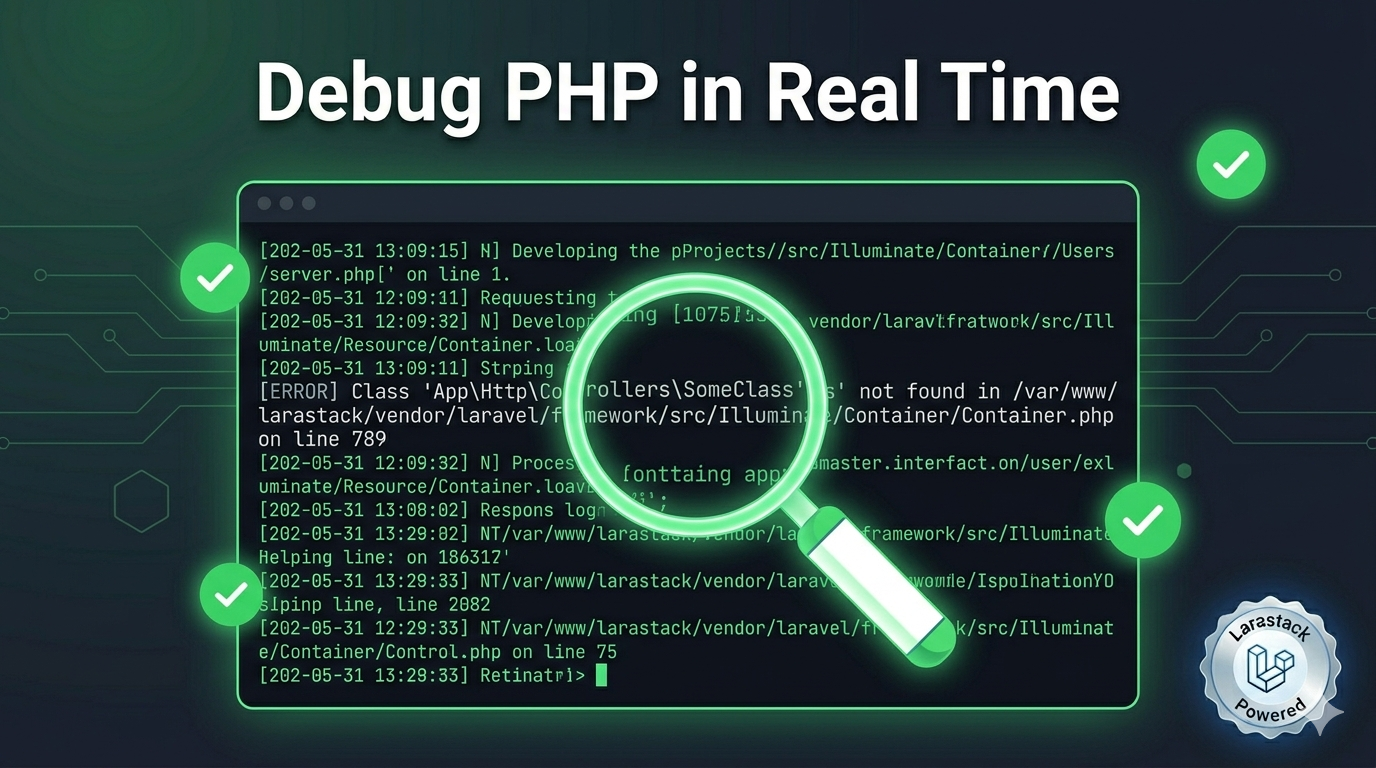
How to Debug PHP Errors in Real Time Using Larastack's Live Log Console
Stop hunting through scattered log files to find PHP errors. Larastack's built-in real-time log console shows every PHP error, MySQL event, and HTTP request as it happens — all in one place.
Why Zero-Configuration Developer Tools Win — And How Larastack Gets It Right
The best developer tools disappear into your workflow. This post explores why zero-configuration philosophy is transforming developer tooling in 2026 — and how Larastack exemplifies it perfectly for PHP development on Windows.
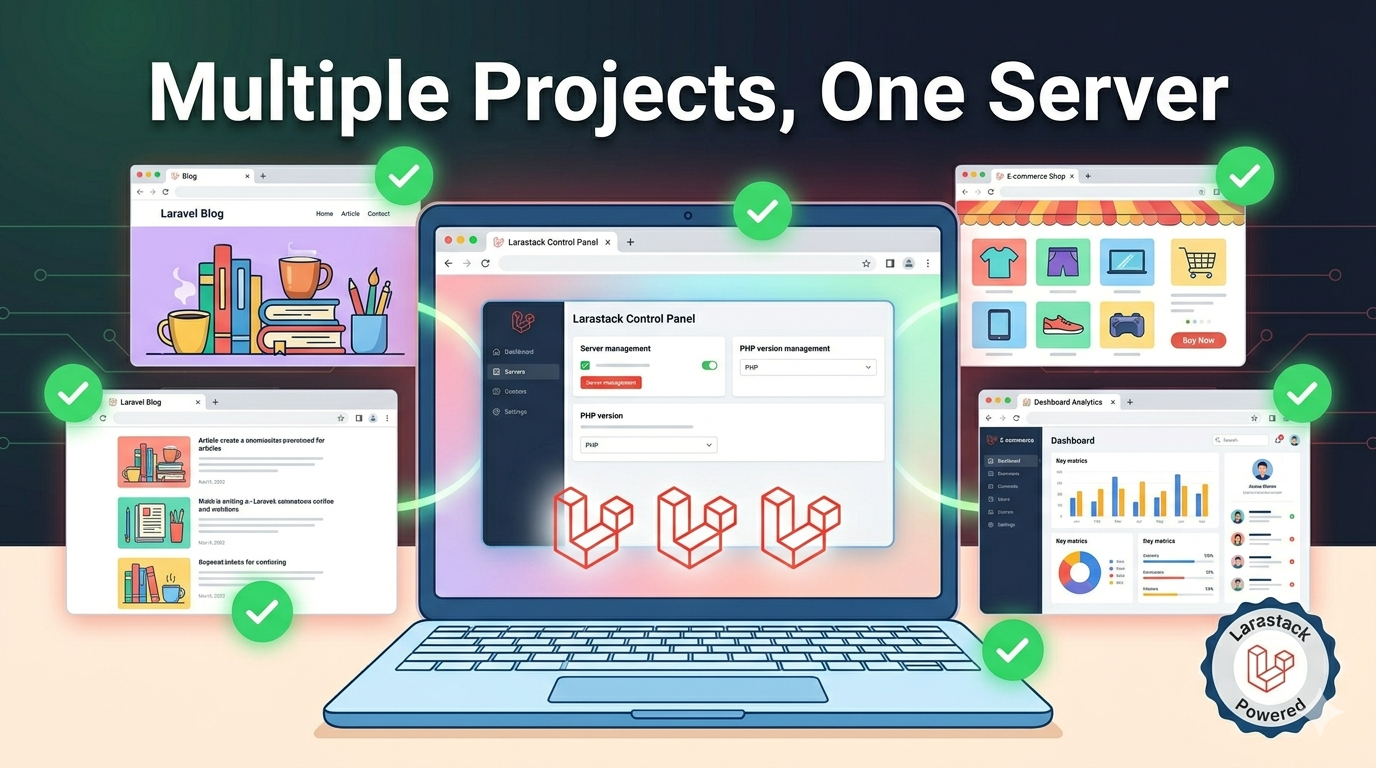
How to Manage Multiple PHP Projects Locally With Larastack on Windows
Running multiple PHP projects simultaneously on your Windows machine doesn't have to be complicated. This guide shows you how to use Larastack's project manager to handle multiple apps, web roots, and databases at the same time.
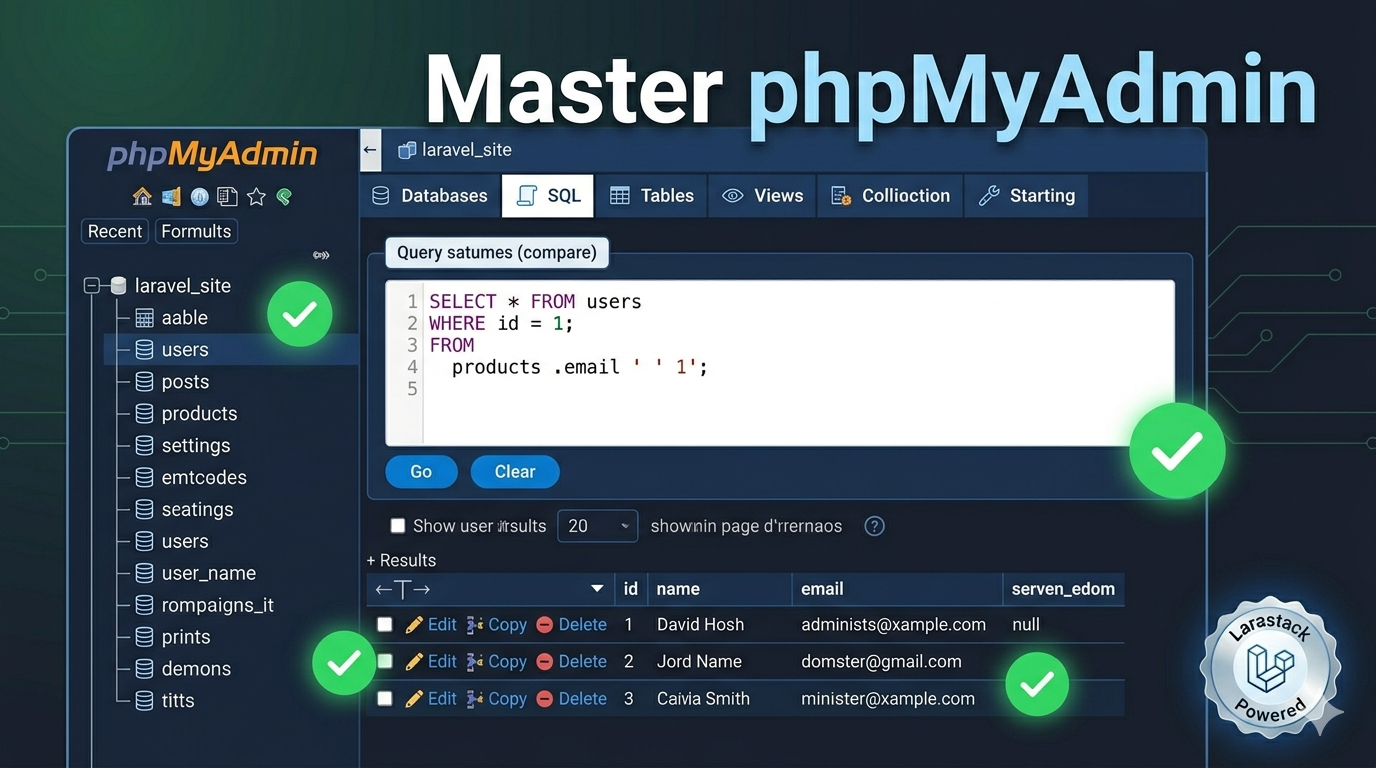
phpMyAdmin Complete Guide: Manage Your MySQL Database Like a Pro with Larastack
phpMyAdmin comes pre-installed and pre-configured with Larastack. This complete guide covers everything — creating databases, running SQL queries, importing and exporting data, managing users, and pro tips for faster development.
PHP 8.2 New Features: What Every Laravel Developer Needs to Know in 2026
PHP 8.2 ships with Larastack and brings powerful new features — readonly classes, DNF types, deprecated dynamic properties, and more. Here's what changed and how it affects your Laravel codebase.
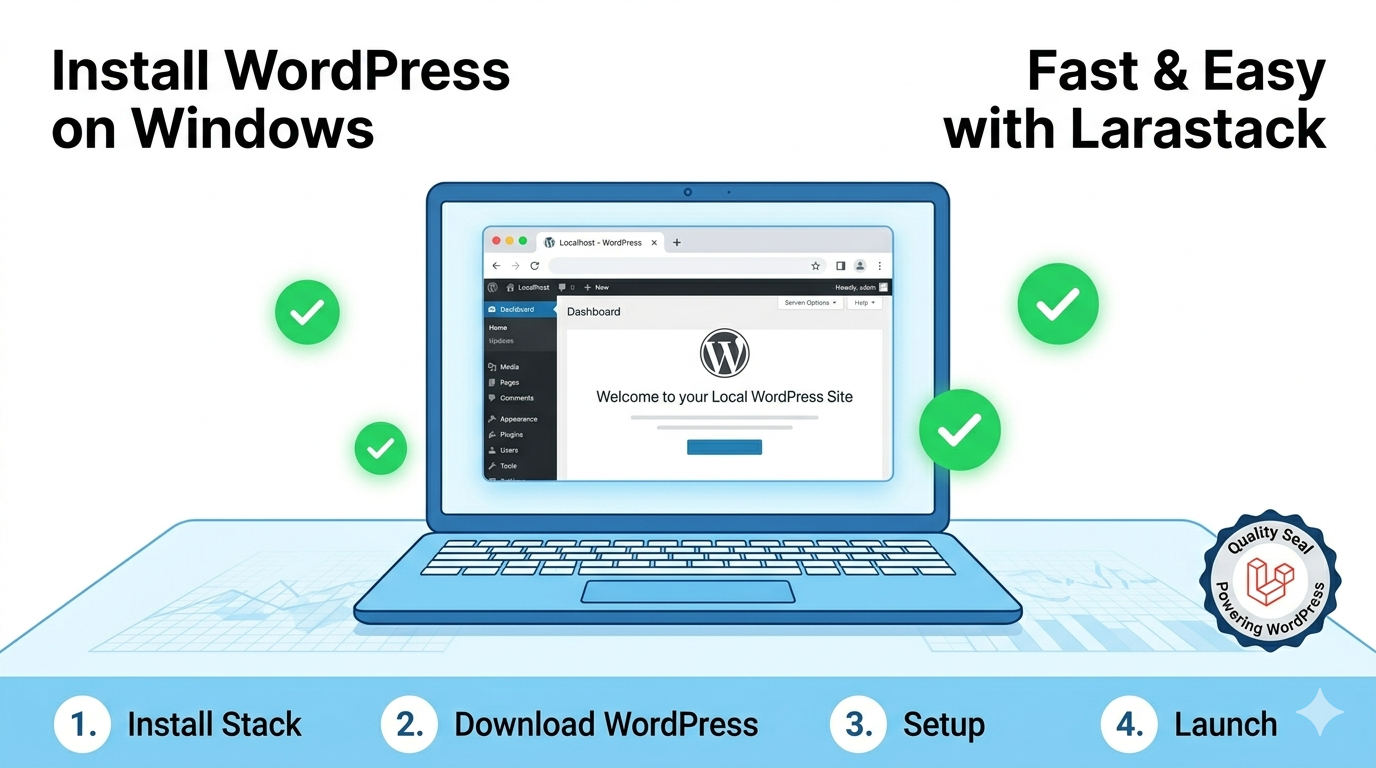
How to Run WordPress Locally on Windows Using Larastack (Step-by-Step 2026)
Running WordPress locally on Windows doesn't require LocalWP or DevKinsta. This guide shows you how to set up a local WordPress development environment in minutes using the free Larastack PHP server.
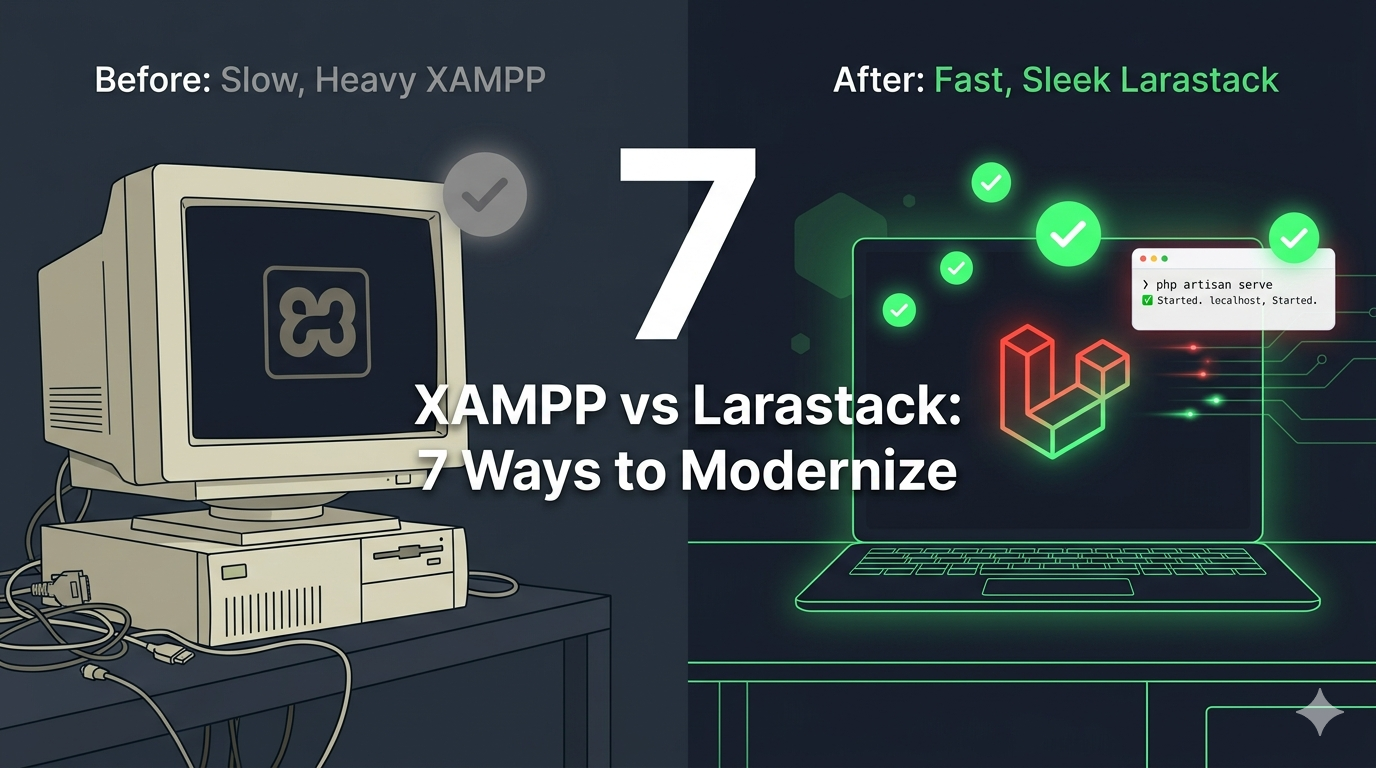
7 Reasons to Switch from XAMPP to Larastack for PHP Development on Windows
XAMPP has been the default local PHP server for years — but modern PHP development deserves better. Here are 7 concrete reasons why Larastack is the smarter choice for Windows developers in 2026.